SnapTik Video • MP3 • Photo

TikTok MP3 Downloader

Extract audio from TikTok videos in a simple online flow.

Paste a TikTok URL to find available audio and video options. The MP3 downloader keeps music, voice clips, and sound ideas easy to save for offline listening.

This page is for users who mainly want TikTok audio. Paste a public TikTok link and SnapTik will show the MP3 result when the audio file is available.

It is useful for saving sounds, voice clips, spoken notes, music snippets, or audio references from supported TikTok posts.

TikTok MP3 Guide

Convert a TikTok link into an MP3 audio download

A TikTok MP3 downloader is different from a video downloader because the main goal is sound. Users may want the music, speech, narration, or background audio without saving the full video file.

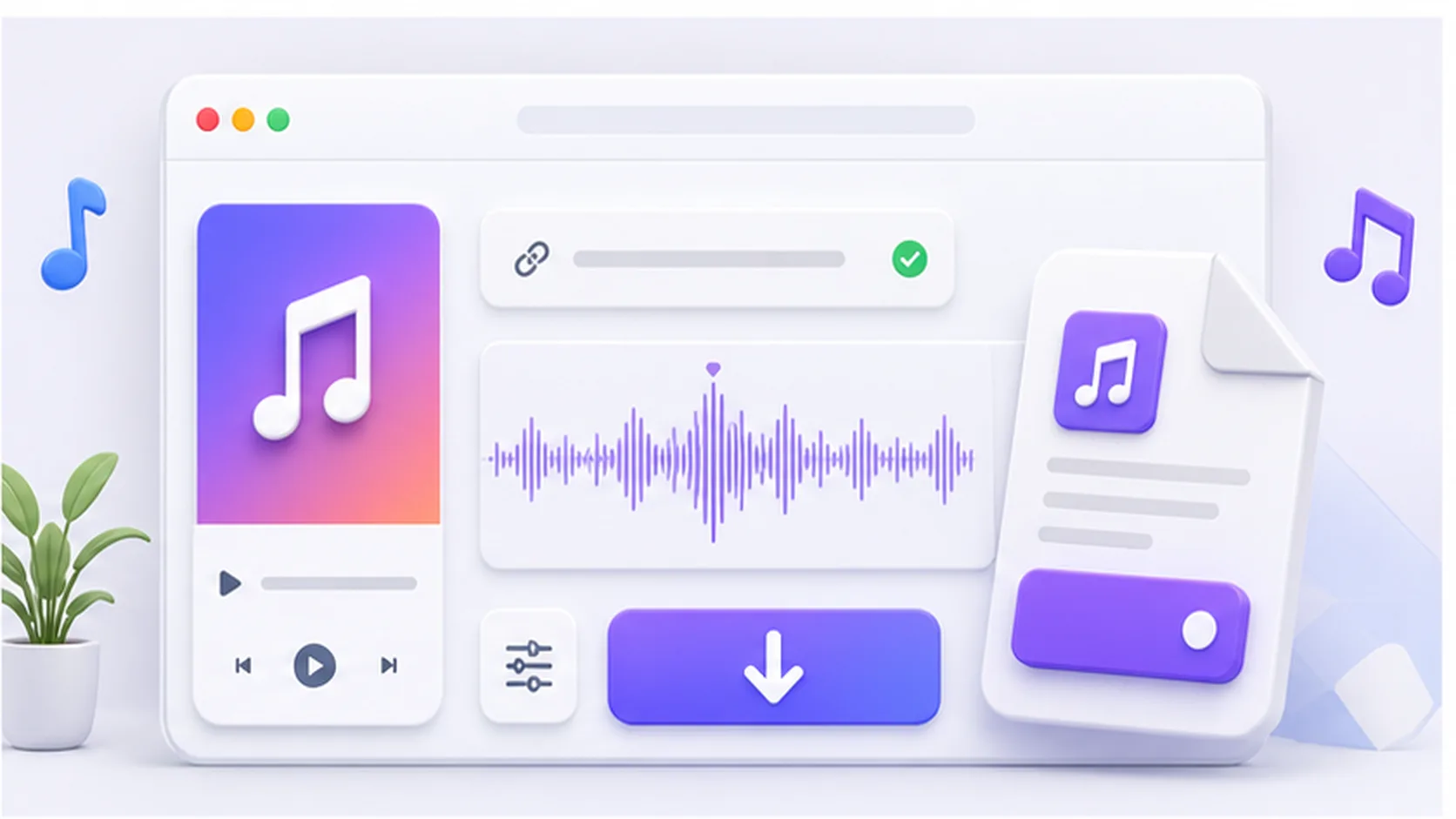
Illustration of a TikTok MP3 downloader showing audio download choices

SnapTik keeps the MP3 workflow direct. After a public TikTok URL is submitted, the backend checks whether the response includes a separate audio file. If it does, the MP3 option appears as a clear download button. This avoids forcing users to scan through video-only choices when their goal is audio.

Not every TikTok post returns a separate MP3 file. Some videos may only expose video links, while others include audio that can be saved directly. For the most reliable lookup, use the full TikTok link copied from the Share menu rather than a partial URL.

The MP3 page is best for users collecting sounds for offline listening, organizing audio references, or keeping a voice clip from a public post. For clean video, photo posts, stories, or slideshow media, the other tool pages provide more specific guidance.

  • Best for TikTok sounds, voice clips, and music snippets.
  • Shows MP3 only when the audio file is available.
  • Keeps video options separate from audio intent.
  • Works with supported public TikTok links.

A TikTok MP3 downloader for audio-first saves

The MP3 page keeps the copy and result expectations focused on sound, not general video downloads.

Surface MP3 links quickly

When audio is available, the MP3 button is shown alongside any other returned media options.

Useful for sounds and voice clips

Creators often save TikTok audio for research, editing notes, or offline listening.

No conversion settings to manage

Paste the URL and let the backend return the audio option that exists for that post.

Video stays available if returned

Some posts return both audio and video, so users can still choose the format they need.

How to download TikTok audio as MP3

Copy the TikTok post URL

Use the Share menu so the downloader receives a complete public link.

Paste it into the MP3 page

The same backend checks the URL, but this page is written for audio-first intent.

Look for the MP3 button

If audio is available, choose the MP3 download result.

Save the audio file

Download the MP3 through your browser and store it locally.

TikTok MP3 downloader FAQ

No. MP3 appears only when the download response includes a separate audio file.

If video links are returned, they can still appear, but the page content is focused on audio.

A complete public URL gives the backend the best chance to resolve the post correctly.

No. The app returns available links and does not build a private audio library.