
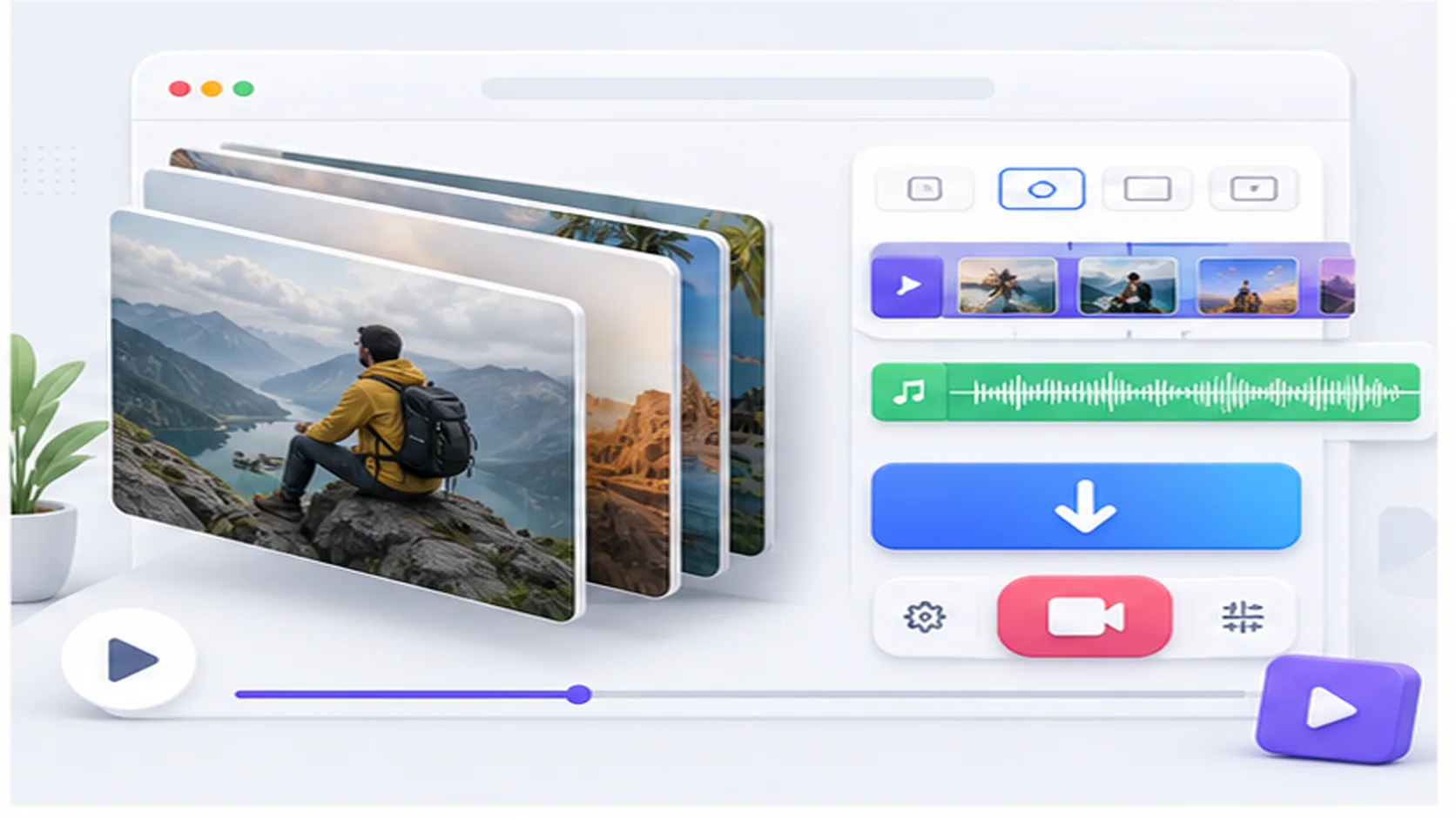
SnapTik treats slideshow responses differently from standard video posts. When the backend identifies a slideshow, the result area can show individual photos in a grid, an MP3 link if audio is available, and a render video link when the response includes one. This avoids hiding useful image files behind one generic download button.
Because slideshow posts may contain several assets, they can take longer to process than regular TikTok clips. The best approach is to submit the full public slideshow URL and wait for all available files to return before choosing what to save.
Use this page when the TikTok post is image-heavy or clearly presented as a slideshow. For standard clips, MP3-only intent, photo-only posts, or stories, the other pages keep the content and result expectations more specific.