SnapTik Video • MP3 • Photo

TikTok Story Downloader

Turn a TikTok story link into downloadable media.

This story downloader keeps the workflow familiar: copy the TikTok story URL, paste it into SnapTik, and select the result when it is available.

The story page is for public TikTok story links that may need a different lookup expectation than regular posts.

Paste the story URL and SnapTik will return downloadable media options when the backend can access a supported result.

TikTok Story Guide

Download TikTok story media from supported public links

TikTok stories are different from standard posts because they can be temporary, less visible, or unavailable after a short time. A story downloader needs to make those limits clear while still keeping the process simple.

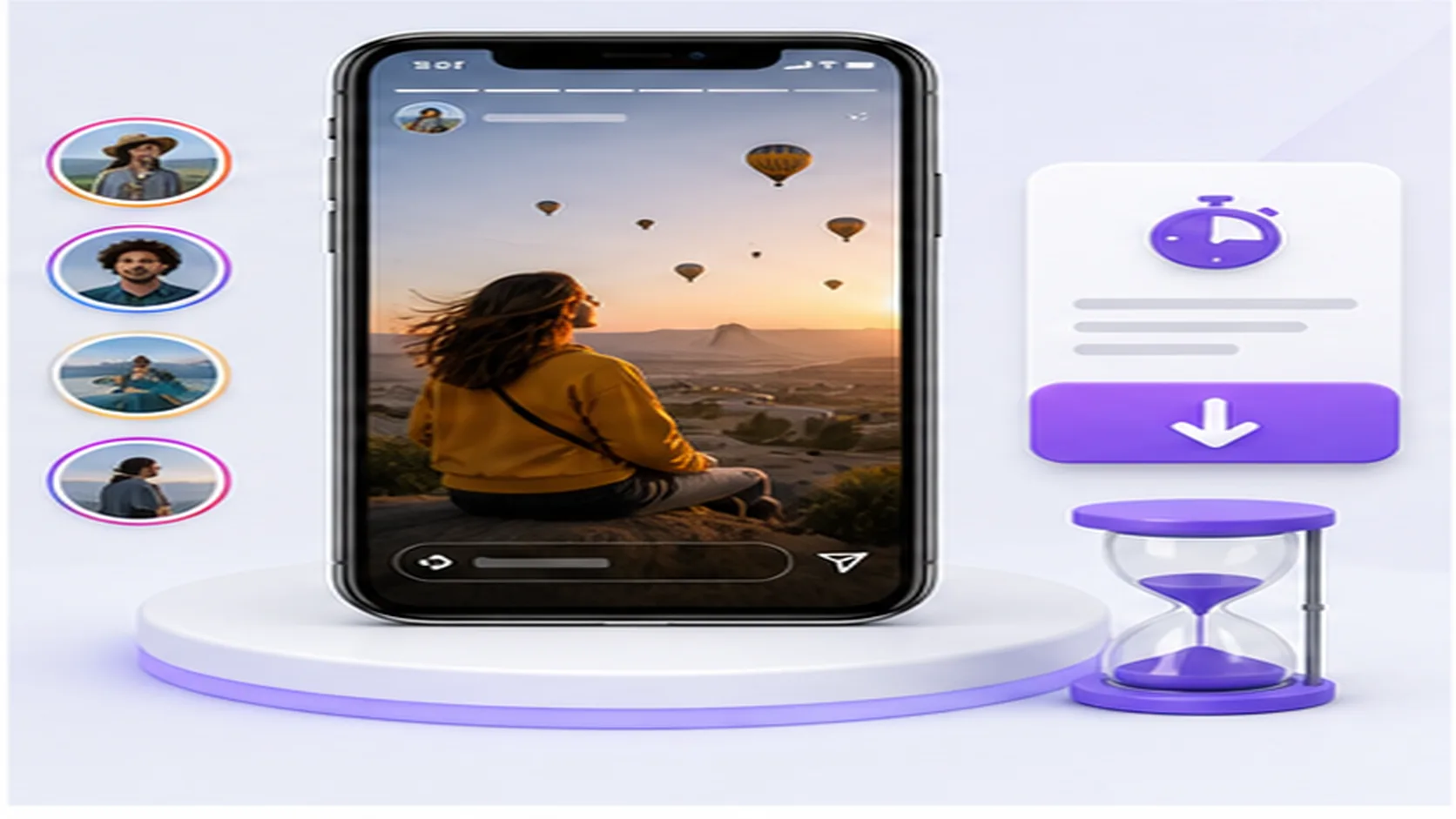
Illustration of a TikTok story downloader with media result buttons

SnapTik lets users submit a public story link and checks whether downloadable media is available. If the backend receives a valid response, the result area shows the available buttons. If the story is expired, private, restricted, or unsupported, the page returns a safe message instead of pretending every story can be saved.

Because stories can disappear or change availability, timing matters. Copy the link while the story is still visible and use the full public URL when possible. A partial or stale link may not give the downloader enough information to locate the media.

This story page exists so users do not confuse story behavior with regular feed videos. For normal TikTok clips, MP3 audio, photo posts, or slideshow sets, the dedicated pages provide more accurate guidance and result expectations.

  • Best for public TikTok story links.
  • Availability can depend on timing and access.
  • Shows downloadable media only when returned by the service.
  • Regular video posts should use the video downloader page.

A TikTok story downloader with clear expectations

Story media can be more temporary and less predictable than normal posts, so this page explains the limits clearly.

Built for story links

The page copy and route are focused on TikTok story media rather than regular feed videos.

Handles available media only

If the story cannot be resolved or is no longer public, SnapTik returns a safe error.

Keeps results familiar

Available story video, audio, or related links appear as the same clean download buttons.

Works without account login

The application processes supported public links without asking users to sign in.

How to download a TikTok story

Copy the story link while it is available

Stories can be time-sensitive, so copy the public URL before it disappears.

Paste the story URL

Use this page to keep the lookup focused on story media.

Wait for the backend response

SnapTik checks whether the story media can be resolved.

Choose the returned file

Download the available story media if a supported result is found.

TikTok story downloader FAQ

Stories can expire, become private, or lose public availability.

No. SnapTik can only show media returned for supported public links.

Use the video downloader page for regular TikTok posts.

No login is required in this application for supported public links.